CrewDock / native desktop workflow
Open a folder.
Dock the rest of your dev context around it.
CrewDock is a Tauri desktop workspace switcher for developers juggling local repos, shell layouts, Git, tasks, and Codex sessions. Use the launcher to run cd .., ls, or open ., choose a 1 to 16 pane layout, and come back to the same workspace state later.
Local-first, free, and open source. No sign-in, no login, no account wall before you open a workspace.
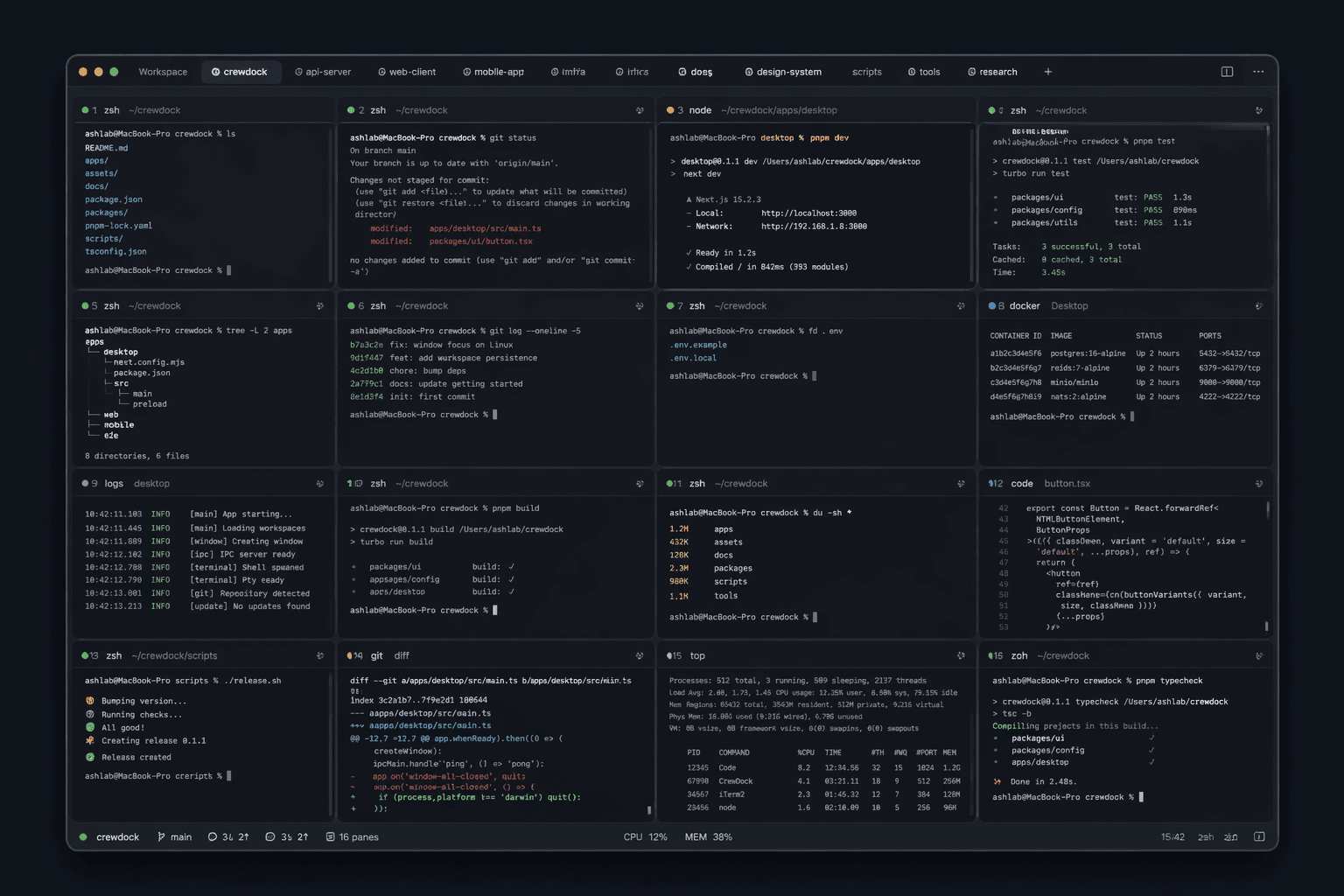
Keep it together
Files, tasks, and session context stay attached to the workspace instead of scattering across tools.
Jump out when needed
Open the same workspace in Cursor, VS Code, Zed, Finder, or Terminal when you want to keep moving there.
One workspace per repo instead of disposable terminal tabs
Files, terminals, and Git stay together in one place
Reopen the same setup later without rebuilding context
Features
What CrewDock actually does
- Local-first by default: no sign-in, no login, and no account wall before you open a workspace.
- Folder-backed workspaces that reopen with the same local context instead of disposable tabs.
- Launcher commands like
cd ..,ls, andopen .for fast path-aware navigation. - 1 to 16 pane shell layouts so each repo can keep its own terminal shape.
- PTY-backed shells inside the app instead of fake browser-style terminals.
- Docked explorer and quick editor for file browsing and small changes without leaving the workspace.
- Built-in source control for reviewing changes and preparing commits in the same surface.
- Tasks and recent activity attached to the workspace instead of scattered side tools.
- Codex session restore so terminal-based AI work can resume in the same project context.
- External handoff to tools like Cursor, VS Code, Zed, Finder, and Terminal when needed.
- Local persistence for pane layouts, drafts, settings, and recent workspace state.